



Invoice and get paid
Business and up

Invoice designs that look like your business

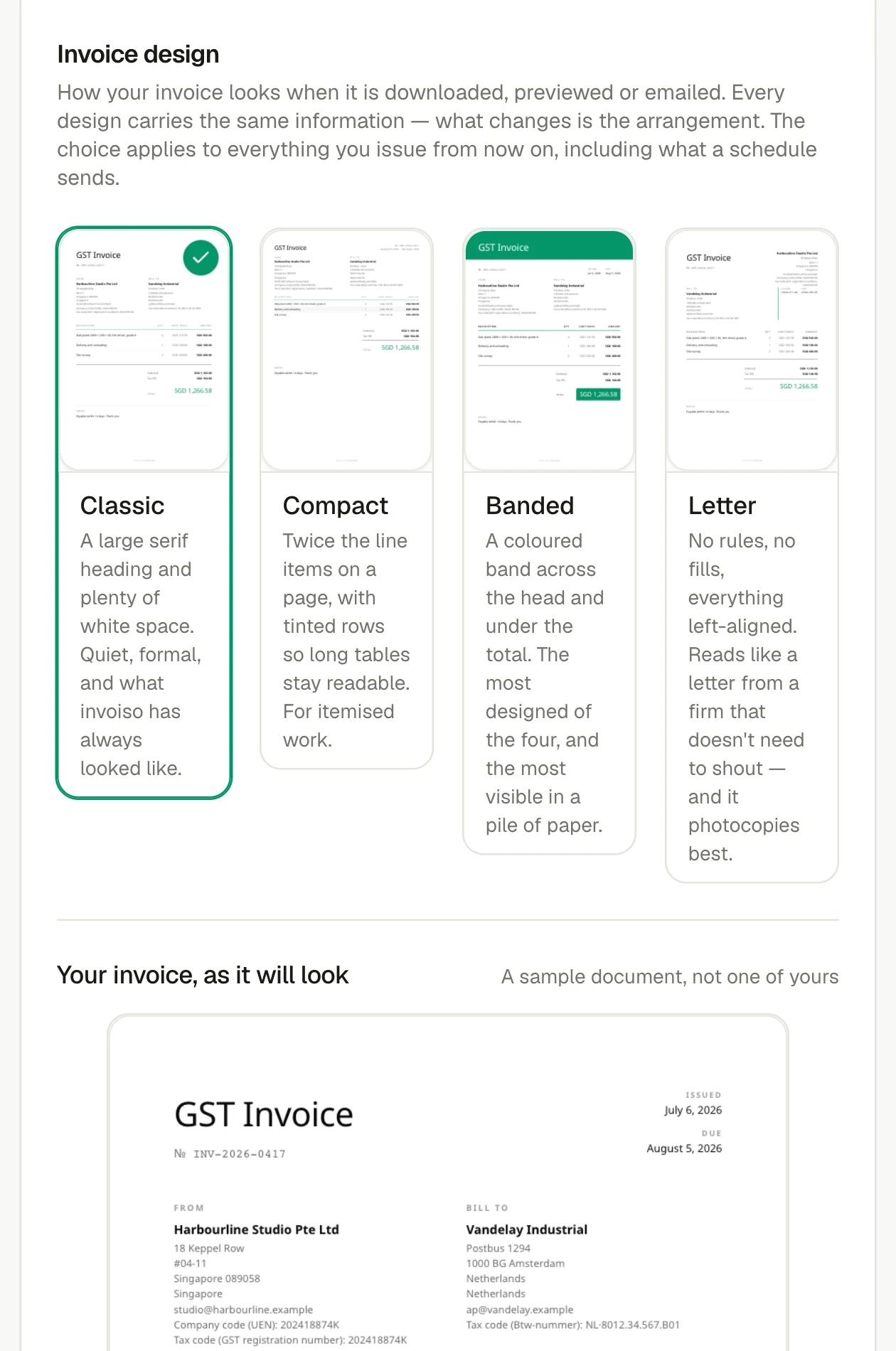
Choose a classic, letterhead, compact or banded layout, then add your logo, typeface and one of six accent colours. The design carries across every invoice, including scheduled ones, and handles long names, extra pages and non-Latin text.

The current invoice design and template chooser in invoiso.
Choose a document layout and preview how issued invoices will look.

From invoice to payment

Keep every step tied to the invoice.

Create, send, follow up and record payment against the same invoice, so the customer-facing document and the financial trail never drift apart.

Availability

Business and up

Part of

Invoice and get paid

Try asking

  • Which invoice design am I using?
  • Show me last month's invoice

Frequently asked questions

How does this feature work?

Choose a classic, letterhead, compact or banded layout, then add your logo, typeface and one of six accent colours. The design carries across every invoice, including scheduled ones, and handles long names, extra pages and non-Latin text.

Which plan includes this feature?

Business and up. The pricing page shows the current plan boundary and any usage allowances.

Can I use the invoiso assistant with this workflow?

Yes. The in-app assistant can work with the records available to your plan and previews changes before applying them. For example: “Which invoice design am I using?”.