



Where work breaks apart
When the records live in different places
The work may finish in a day while the paperwork follows for weeks: an invoice, a reminder, an expense receipt and eventually a payment with an unfamiliar bank reference.
Freelancers & independent consultants
Create professional invoices, send payment links and reminders, capture expenses and match bank receipts without taking on heavyweight accounting software.
Where work breaks apart
The work may finish in a day while the paperwork follows for weeks: an invoice, a reminder, an expense receipt and eventually a payment with an unfamiliar bank reference.
With invoiso
Keep the client-facing invoice and the financial trail in one place. Start with unlimited invoicing, then add delivery, reminders, card payments and bank matching when you need them.
How it comes together
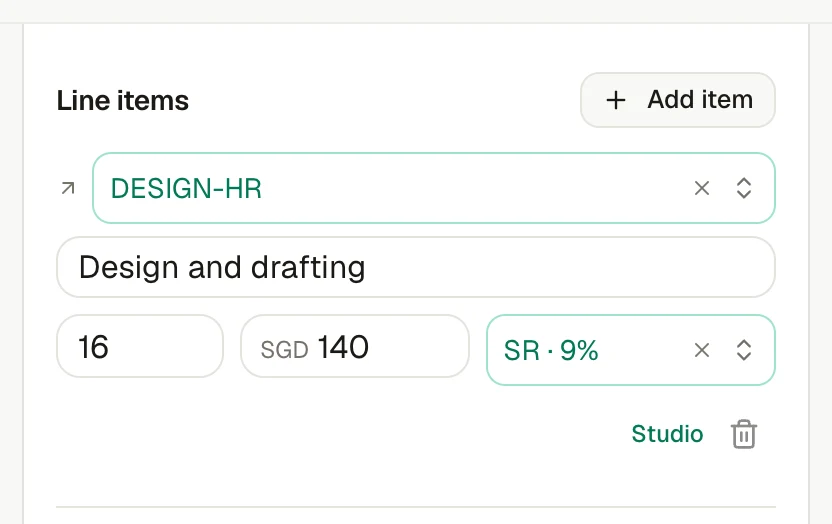
Use your numbering, tax and client currency with a live PDF preview. You can create and download a one-off invoice without an account.
Add a card payment page, email the invoice and schedule reminders around its due date when you are ready to automate follow-up.
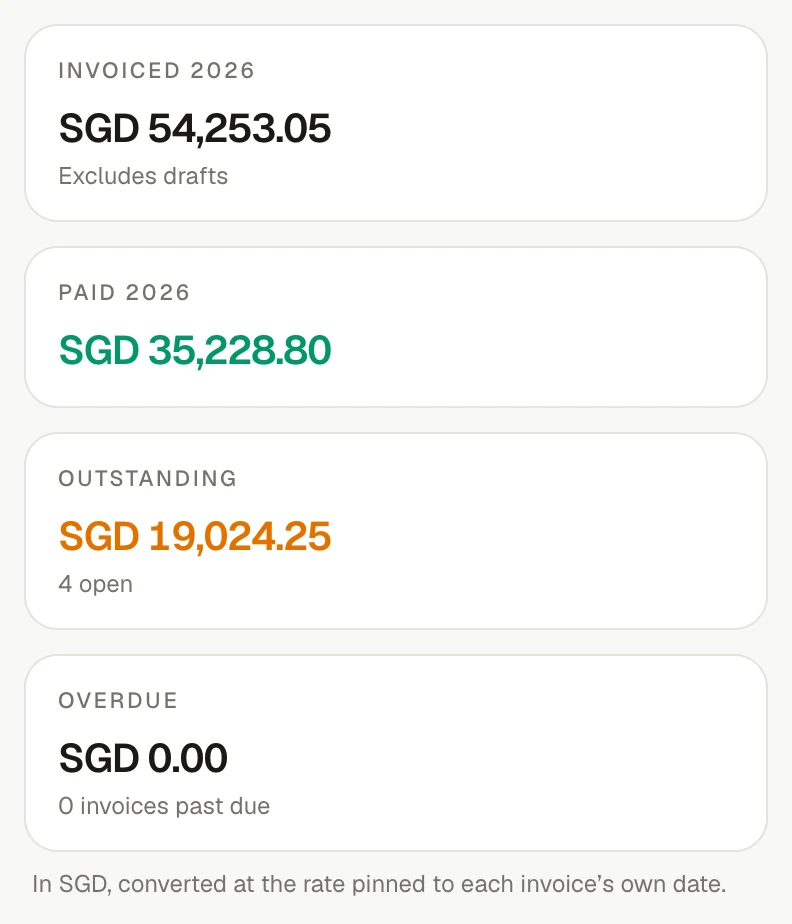
Import a bank statement, confirm the clear match and keep each payment's amount, date, source and reference on the invoice.
What makes it work
Open any feature for a closer look at what it does, which plan includes it and the product screen behind it.
Create unlimited invoices with line-level tax, your own numbering and a live PDF preview. Work in 50 languages and 162 currencies. No account is needed to create and download a one-off invoice.
Explore the featureBusiness and upAdd a card payment page to an invoice in any supported billing currency. Funds settle into your connected Stripe account, invoiso never holds them or takes a cut, and the invoice is marked paid when Stripe confirms payment.
Explore the featureBusiness and upEmail an invoice when it is issued, customise the message and copy your bookkeeper automatically. Schedule reminders before, on and after the due date while every attempt and delivery status stays on the invoice. Optional open tracking uses a one-pixel image, so treat an open as a signal rather than proof.
Explore the featureIncluded on every planUpload a photo or PDF and invoiso classifies it, reads the supplier, date, tax and total, then files an expense for review. If one PDF contains several invoices, each becomes its own record.
Explore the featureBusiness and upImport CSV, MT940, CAMT.053 or PDF statements. invoiso matches money in to open invoices and money out to unpaid bills, then asks you to confirm. When two records fit equally well, it shows the ambiguity; overlapping imports are safely deduplicated.
Explore the featureSee it in invoiso
Yes. The one-off invoice maker creates and downloads an invoice without an account. A free workspace is available when you want to keep records together.
No. Funds settle into your connected Stripe account; invoiso does not hold them or take a cut.
Yes. The payment trail can keep full and partial receipts, including amounts matched from a bank statement.
Start at your pace
