



How does this feature work?
Upload a photo or PDF and invoiso classifies it, reads the supplier, date, tax and total, then files an expense for review. If one PDF contains several invoices, each becomes its own record.
Upload a photo or PDF and invoiso classifies it, reads the supplier, date, tax and total, then files an expense for review. If one PDF contains several invoices, each becomes its own record.
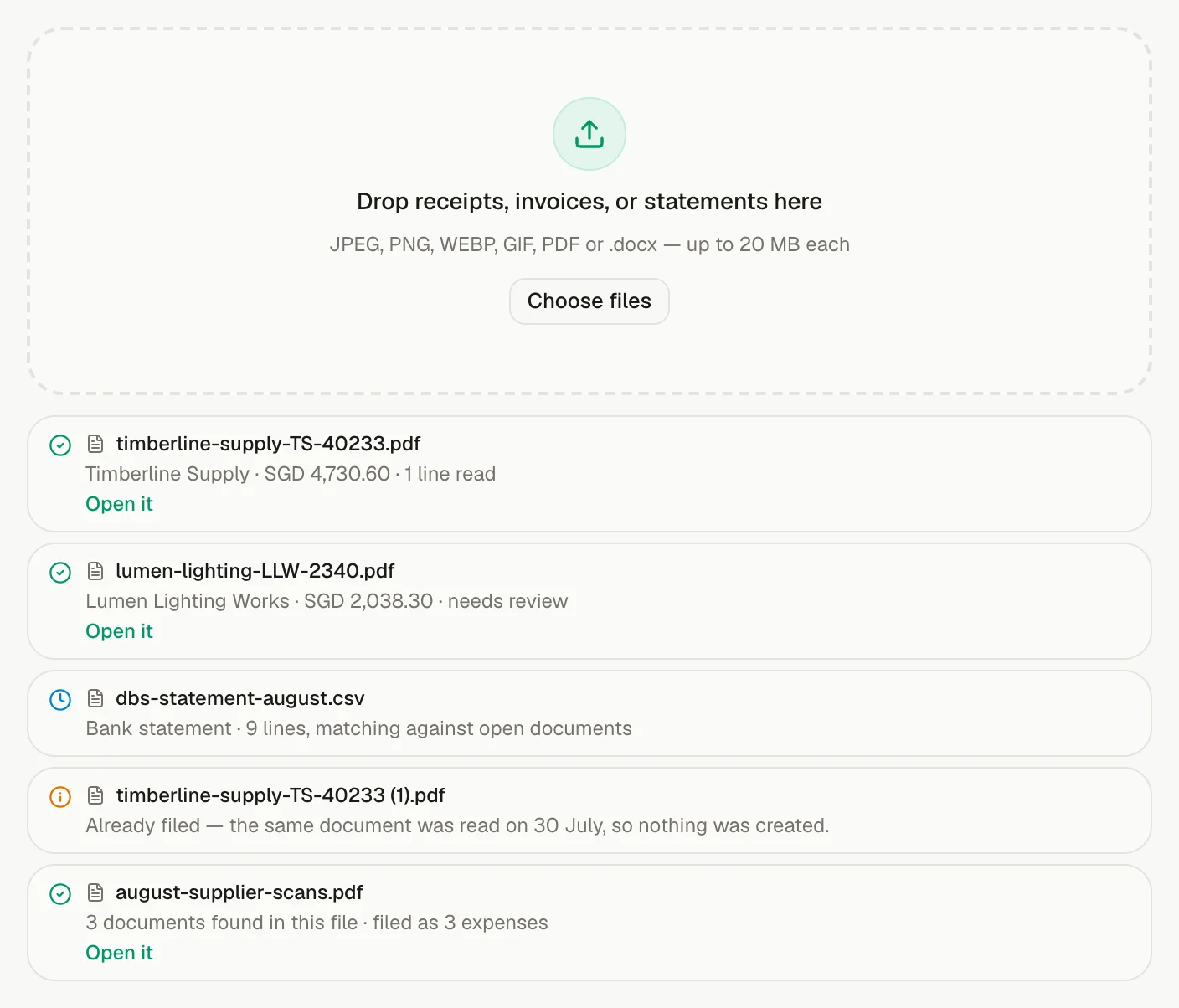
From source to trusted record
Incoming documents become structured records while the original file stays close enough to verify what was read and correct anything that needs attention.
Availability
Included on every plan
Part of
Capture incoming documents
Where this earns its place
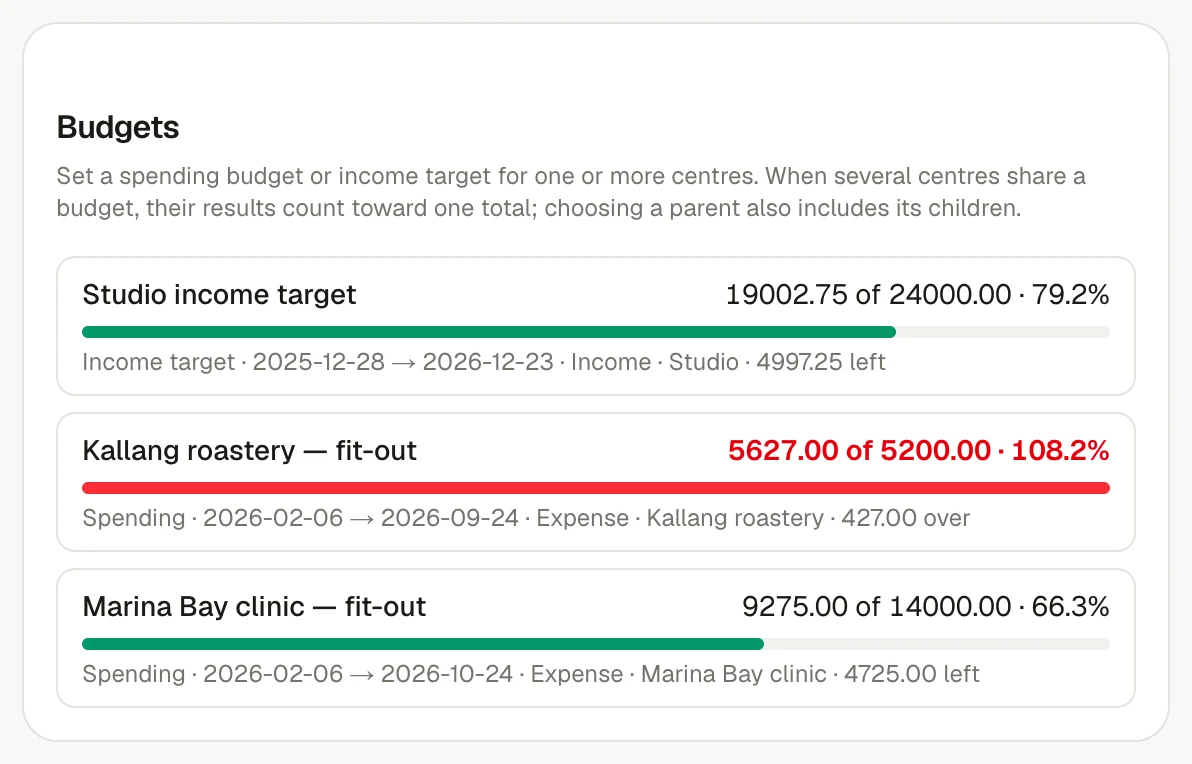
Agencies, consultancies & contractors
See revenue, shared costs and budget for every project in one view.
See the use case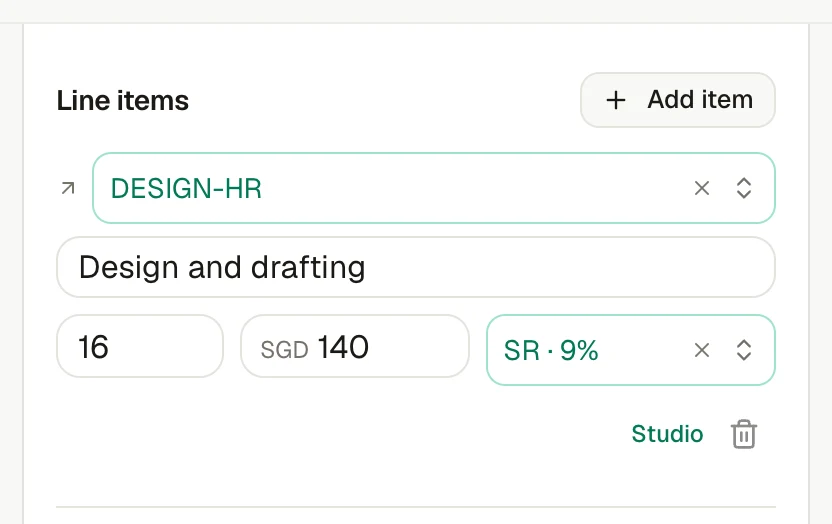
Freelancers & independent consultants
Invoice the client, follow up and match the payment without admin sprawl.
See the use caseUpload a photo or PDF and invoiso classifies it, reads the supplier, date, tax and total, then files an expense for review. If one PDF contains several invoices, each becomes its own record.
Included on every plan. The pricing page shows the current plan boundary and any usage allowances.
Yes. The in-app assistant can work with the records available to your plan, and it asks before it sends, deletes or sets up anything recurring. For example: “File this receipt as an expense”.
Keep exploring